
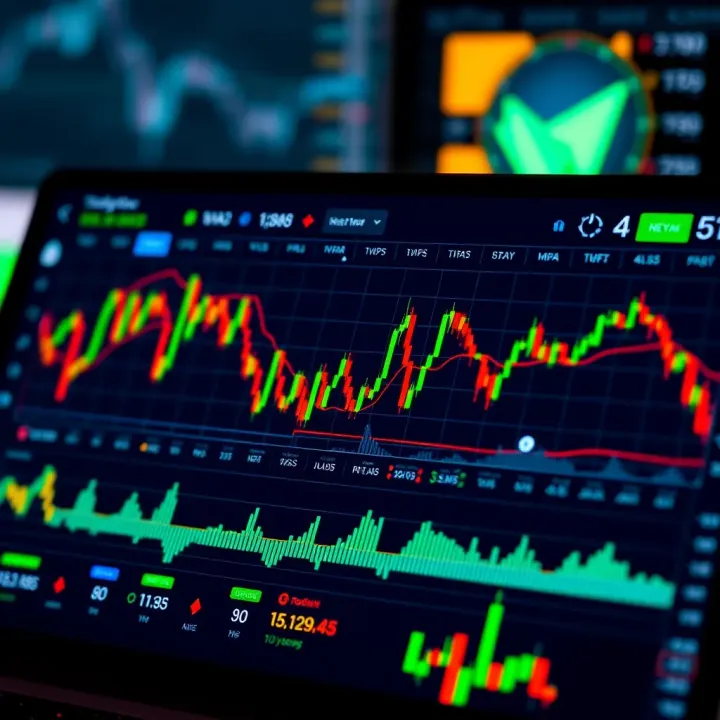
TradingView Guide for Pakistani Traders
📈 Explore TradingView.com with this detailed guide tailored for Pakistani traders. Learn charting tools, market data, and smart trading tips for global markets! 🌍
Edited By
Emma Fitzgerald
TradingView.com has quickly become a favorite platform for traders around the world, and its popularity is growing in Pakistan too. Whether you’re a seasoned financial analyst or just starting as a trader, the tools and community on TradingView can make a huge difference in how you approach the markets.
In this guide, we'll break down what TradingView offers, focusing on what matters most to Pakistani traders. From understanding the platform's charting capabilities to connecting with brokers and engaging with a vibrant social community, you’ll get a clear picture of how to get the most out of TradingView.
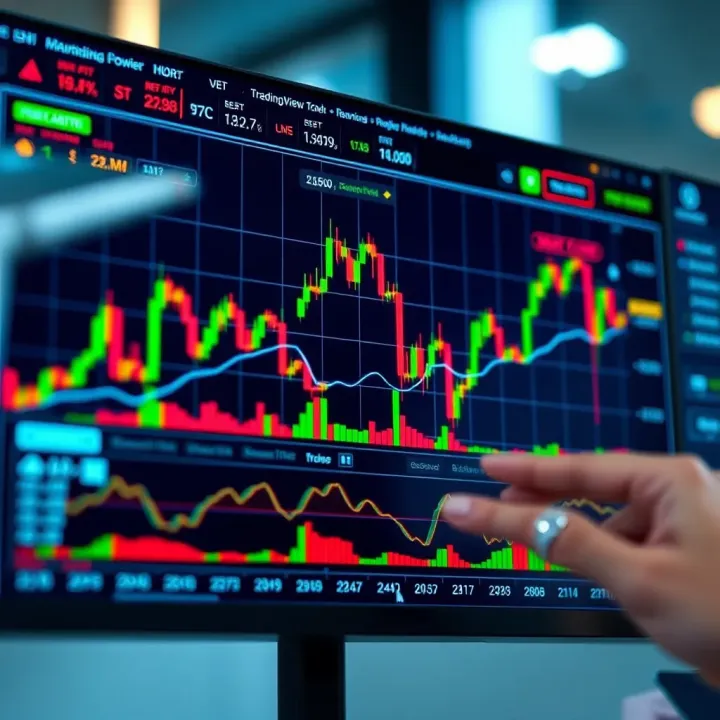
Why focus on Pakistan? The country has a rising number of individual and professional traders who face unique challenges—like access to reliable tools and integration with local brokers. This makes a platform like TradingView a valuable ally, offering flexibility and insights on everything from the Karachi Stock Exchange to global markets.
By the end of this article, you will know how to set up your account, customize your workspace, integrate your broker account, and use TradingView to spot trading opportunities effectively. We'll also cover some practical tips tailored to the Pakistani trading environment, helping you avoid common pitfalls and make smarter decisions.
Trading effectively isn’t just about having the right data—it’s about making that data work for you in real time. TradingView helps bridge that gap for many Pakistani traders by offering interactive charts, social collaboration, and access to multiple markets all in one spot.
Let's get started and see how you can make TradingView a powerful part of your trading toolkit.
TradingView.com has become a go-to hub for traders and investors worldwide, especially those looking for powerful, real-time charting tools combined with a social platform. For Pakistani traders, understanding the basics of TradingView is the first step toward leveraging its potential to analyze markets and make informed decisions. From its intuitive interface to advanced technical indicators, TradingView offers practical benefits that cater to varied trading styles.
TradingView is primarily a web-based platform that provides tools for market analysis through charts, indicators, and customizable data feeds. Its core function is to simplify the often complex task of analyzing stocks, forex, cryptocurrencies, and commodities by presenting up-to-date price data and technical signals in an accessible format. For example, a trader looking at the Pakistan Stock Exchange (PSX) can easily pull up detailed candlestick charts and technical indicators to spot trends without jumping between multiple websites or software.
The platform is built to be accessible from any device with a browser, making it convenient for users who might not have access to high-end trading software locally. This flexibility is particularly beneficial for traders in Pakistan, where access to sophisticated trading tools can sometimes be limited.
TradingView attracts a diverse user base, including day traders, swing traders, long-term investors, educators, and financial analysts. Among Pakistani users, you’ll find a mix of beginners looking to learn chart patterns and veterans relying on TradingView's advanced scripting language, Pine Script, to create custom indicators.
For example, a young stock trader in Karachi might use TradingView’s social features to follow experienced traders and gather insights, while an institutional analyst might depend on real-time data and multi-symbol views to track portfolio performance efficiently. The platform’s adaptability to both casual and professional needs makes it uniquely appealing.
One of TradingView's standout features is its accessibility. Whether you’re on a desktop at home in Islamabad or checking charts on your phone during a commute in Lahore, the platform delivers a consistent experience. Access to real-time or near real-time market data enables timely decisions – essential in fast-moving markets like forex or crypto.
Consider a Pakistani forex trader who relies on quick changes in price to maximize profits. Without timely data, opportunities can slip away, especially during volatile sessions. TradingView solves this with data feeds from multiple exchanges and brokers.
Additionally, its cloud-based setup means users aren't bogged down by heavy software installations or lag, which can be a challenge with other desktop-only platforms.
Unlike traditional trading software that can be bulky and expensive, TradingView combines powerful analysis and a user-friendly interface in one package. It surpasses many competitors by integrating live charting with a vibrant social network where traders share ideas and scripts openly.
For Pakistani traders, this community aspect is invaluable. It provides local context—such as how political developments in Pakistan might affect certain sectors—and collective wisdom, reducing the guesswork in trading decisions.
Moreover, TradingView’s Pine Script lets users compile custom indicators without deep programming knowledge, something seldom found in other platforms. This feature empowers traders to test strategies specific to the PSX or other markets, improving the chances of successful trades.
TradingView’s blend of accessibility, real-time data, and a supportive community makes it a practical choice for Pakistani traders seeking to elevate their market analysis without the overhead of costly software.
Getting familiar with TradingView’s interface is the first step toward making the most of its powerful features. For Pakistani traders, who may juggle various market data and tools, understanding how to navigate the platform efficiently is a real time-saver. A well-organized interface doesn’t just look neat; it actually streamlines your workflow and helps you respond faster to market movements.
The TradingView dashboard serves as your command center. It’s split into several key areas: the chart window, watchlists, news feeds, and the trading panel. When you first sign in, the large chart section grabs attention, displaying real-time price movements. To the right, watchlists give you a quick glance at your favourite instruments, while the bottom area commonly hosts the trading panel and alerts.
This layout is designed to keep everything you need in one place, reducing the need to switch tabs or apps. For instance, if you’re watching Karachi Stock Exchange shares alongside Forex pairs, you can have those charts open side-by-side. That makes spotting opportunities or spotting risks less of a hassle.
Customizing your workspace is equally important. TradingView lets you rearrange panels, resize charts, or even open multiple chart windows in tabs or tiled views. Suppose you're trading the US dollar versus PKR and keeping tabs on commodity prices like oil; you might want to split your screen so both are visible at once. Dragging panels or choosing different layouts from the workspace menu helps tailor the platform to your trading style.
Remember, a cluttered workspace can slow you down. Keep only the panels and widgets you use regularly visible, and tuck away everything else.
Monitoring the right data points is critical in trading. TradingView offers popular widgets like the Watchlist, Economic Calendar, News Feed, and a Chat panel. The Watchlist is a must-have for Pakistani traders tracking multiple instruments such as PSX stocks, US equities, and cryptocurrencies all in one place.
The Economic Calendar widget, featuring upcoming market-moving events, helps you avoid nasty surprises — like sudden moves during Pakistan’s policy rate announcements. And News Feed keeps you up-to-date with relevant headlines impacting your chosen markets.
When organizing your setup, think about what information you check most during trading hours. Do you constantly glance at orders and positions? Keep the Trading Panel visible, linked to your broker account for quick order entries. Prefer discussing ideas with fellow traders? Keep the Chat widget handy.
Here's a quick list to keep your setup efficient:
Prioritize widgets based on your trading routine
Use tabbed chart layouts for easier navigation
Collapse or minimize panels during active trading to avoid distraction
Group assets by type (stocks, forex, crypto) in separate watchlists
By arranging your workspace thoughtfully, you’ll save precious seconds when markets move fast. For Pakistani traders especially, this means being ready for volatile sessions driven by local events or global shifts.
In short, navigating TradingView’s interface isn’t just about knowing where things are; it’s about customizing your environment so you’re always a step ahead.
Charting and technical analysis form the backbone of informed trading decisions on TradingView. For Pakistani traders, these tools help unpack market price behaviors and forecast future movements, turning raw numbers into actionable insights. TradingView’s broad array of charting options and analysis tools isn’t just fancy visuals; they’re your toolkit for cutting through market noise, spotting trends, and planning entries or exits with confidence.
TradingView offers several chart types, each fitting different trading styles and market conditions.
Candlestick charts are the most popular, offering a rich visual summary of price action within a given timeframe. Each candle shows the open, high, low, and close prices, delivering cues about momentum and reversals. For example, spotting a ‘hammer’ candlestick near support levels can hint at a potential price bounce — valuable when watching indices like the KSE 100.
Line charts connect closing prices over time, giving a clear but simplified view. It’s helpful for longer-term investors who want to avoid the daily noise and focus on overall trend direction.
Bar charts resemble candlesticks but display price differently, offering another lens for analyzing market sentiment.
Other visuals like Renko or Heikin Ashi smooth price data to filter volatility, making trends more apparent.
The right chart type depends on your strategy and the asset’s behavior. Experiment with different types on Pakistani stocks or forex pairs to see which aligns best with your trading rhythm.
Indicators add mathematical interpretations to price charts. TradingView lets you add, tweak, and combine hundreds of technical indicators.
To add an indicator, just select the “Indicators” tab and search by name (e.g., RSI, MACD, Bollinger Bands). You can customize settings like periods or colors to suit your style.
A practical tip: use the Relative Strength Index (RSI) to gauge overbought or oversold conditions on Pakistan Stock Exchange stocks like Pakistan Oilfields, helping you decide when the trend might reverse.
Drawing tools complement indicators by letting you mark trend lines, Fibonacci retracements, or support and resistance zones directly on charts. These are essential for visualizing patterns and price targets.
For instance, drawing a channel on a forex pair like USD/PKR can help identify potential breakout points or reversals.
The combination of indicators and drawing tools creates a personalized framework for technical analysis, enabling you to spot setups and manage trades thoughtfully.
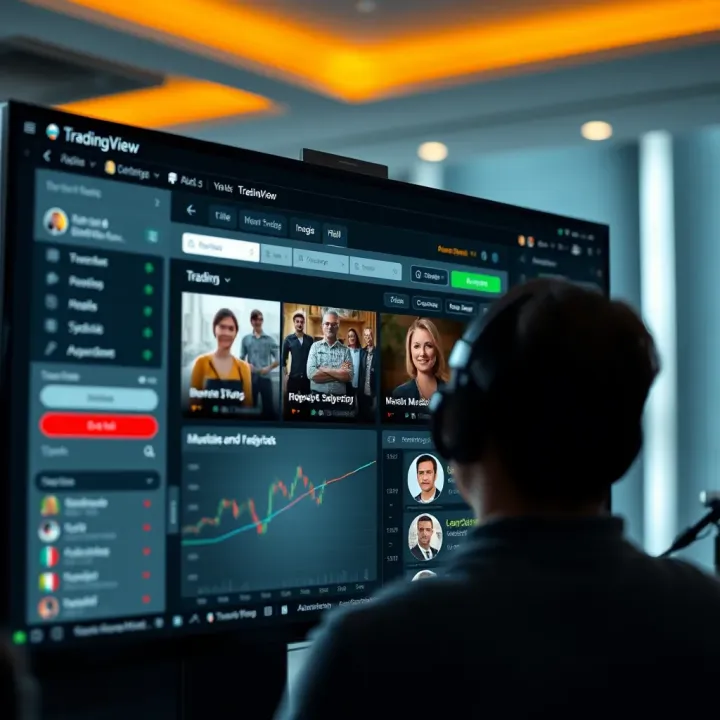
Alerts on TradingView keep you in the loop without obsessively staring at the screen. They notify you when price levels or indicator conditions you set are met.
There are various alert types:
Price alerts—triggered when price crosses a specific level.
Indicator alerts—activate when an indicator meets designated criteria.
Drawing tool alerts—such as when prices cross a drawn trend line.
For example, set an alert to notify you if the NIFTY futures fall below a support level you're watching. This way, you won't miss the chance to act fast.
Alerts can be delivered through pop-ups, emails, or even SMS, allowing timely decisions without constantly checking the charts. Especially for busy Pakistani traders who juggle work and markets, alerts provide a practical edge.
Proper use of alerts can be a game-changer. It keeps you proactive and reduces emotional decision-making by sticking to a pre-planned strategy.
By mastering chart types, indicators, drawing tools, and alerts on TradingView, Pakistani traders gain a solid foundation for interpreting markets. These tools unlock the potential to analyze trends, spot opportunities, and make trades with a clearer sense of timing — all critical for trading success in a fast-moving environment like Pakistan’s financial markets.
TradingView isn’t just about charts and numbers; it’s got a thriving social layer that can seriously enrich your trading experience. For Pakistani traders who might sometimes feel like they're going solo in a volatile market, the platform’s social features bring a sense of connection — like having a team around, even when trading from home.
This social aspect helps you keep a finger on the pulse of market sentiment, pick up on fresh ideas, and sharpen your strategy by learning from others. Whether you’re following seasoned pros or sharing your own insight, TradingView’s community tools level the playing field.
Following other traders on TradingView helps you tap into a stream of diverse trading styles and strategies. Imagine getting a front-row seat to how a forex guru in Karachi reads the currency charts, or how a Lahore-based investor approaches emerging tech stocks. You get notified about new ideas they post, which can inspire or challenge your approach.
For instance, if you spot a trader who regularly shares strong setups on Pakistan Stock Exchange (PSX) stocks or commodities, you can follow them to stay updated without constantly hunting for leads. It’s like having a trading buddy who feeds you market buzz.
TradingView is not just about consuming ideas but also contributing. Sharing your own trading ideas or custom Pine Scripts strengthens your presence and helps others learn from your insights. For example, if you’ve built a nifty RSI-based strategy for local index trading, posting that script invites feedback and collaboration.
This interaction sparks innovation and improves trading tools tailored for Pakistan’s unique market quirks. Plus, sharing makes it easier to track your own progress over time — others’ comments or tweaks can point out blind spots you might miss.
TradingView’s chat features take community interaction a step further. Public discussion forums let you jump into conversations about specific markets, technical indicators, or current events affecting trades. For Pakistani traders, joining threads on PSX performance or forex volatility can provide timely insights that news headlines miss.
Private messages are handy when you want to discuss sensitive info or seek personalized advice without broadcasting it to everyone. Imagine messaging a more experienced trader about tricky setups during volatile sessions in the Karachi market — it’s like having a behind-the-scenes mentor.
Being part of TradingView's social ecosystem empowers Pakistani traders by offering real-time collaboration and a wealth of shared knowledge, which can make all the difference in fast-changing markets.
Together, these social tools create a lively, interactive experience that complements TradingView’s powerful analytical features, making it more than just a charting site but a real trading community.
Understanding the different account types and subscription plans on TradingView is essential for Pakistani traders who want to make the most out of this powerful platform. Your choice between free and paid options will impact your access to features like the number of charts you can open, alerts you can set, and indicators you can use simultaneously. Considering Pakistan's local trading environment and financial context, selecting the right plan helps balance cost with the tools necessary for effective trading.
The free account on TradingView offers a basic but solid starting point. It lets you access most charting tools, get real-time data on many market instruments, and follow other traders' ideas. However, the free plan limits you to a single chart per tab, only a couple of indicators per chart, and a restricted number of alerts (usually one at a time). This can be fine if you trade casually or are just getting familiar with the platform.
Paid accounts, on the other hand, open up many doors. For instance, with a Pro account, you might work with up to 5 charts on one screen and apply more indicators — perfect for traders juggling different markets like PSX stocks and international forex simultaneously. Alerts increase too, crucial for Pakistani traders following fast-moving markets where timely action can mean the difference between profit and loss.
Traders who need multiple charts or complex analysis in real-time
Investors keen on setting multiple, tailored alerts to react promptly
Active day traders or scalpers requiring extensive technical indicators
Pakistani professionals wanting to integrate TradingView with their brokerage platform for direct trade execution
Upgrading makes sense if your trading style demands increased speed, customization, and depth beyond what the free version provides.
TradingView offers three main paid plans: Pro, Pro+, and Premium. Each step adds more features aimed at serious users:
Pro: Best for the dedicated trader who needs more charts per layout, additional indicators (up to 10), and more alerts (up to 10). You also get extended historical data and an ad-free experience.
Pro+: If your trading is multi-asset and active, this plan boosts charts per tab to 10 and indicators to 25. Alerts increase to 30, and you gain access to faster customer support.
Premium: Designed for professional traders and analysts, the Premium plan unlocks 25 indicators per chart, 8 charts per layout, and 400 alerts. It supports unlimited saved chart layouts and enhanced features like second-based intervals for very short-term trading.
For example, a Pakistani forex trader monitoring USD/PKR, EUR/USD, and local stock indexes might find Pro+ or Premium indispensable to manage several charts and keep alerts across time zones running smooth.
Prices are listed in USD, so currency fluctuation and payment method fees play a role. As of now, TradingView's monthly Pro plan runs roughly $14.95, which might be a noticeable expense considering local income levels. Paying annually usually cuts the price per month by 20-30%, a smart move for frequent traders.
Pakistani users should also consider:
Using international cards or PayPal for payment, being aware of possible bank charges
Checking if local broker integrations (like with Interactive Brokers or OANDA) make paid plans more valuable
Balancing the cost with the potential gain from more accurate alerts and faster decision-making
Tip: Before committing, try the free plan thoroughly. Observe if the limitations impact your trading pace or strategy. If so, trial one of the paid tiers, which often come with a short free trial period.
Navigating account options carefully ensures you don't overspend on features you won't use but still benefit from powerful TradingView capabilities tailored for Pakistani markets and beyond.
TradingView has a lot going on, and customizing your setup is not just a neat trick—it’s essential for making the platform work the way you trade. Especially for Pakistani traders, who might juggle between local stocks, forex, and crypto markets, having a tailored view helps avoid clutter and saves precious time. From changing chart themes that suit your eyes to picking timeframes that match your strategy, these tweaks can boost your analysis and decision-making.
One of the first things to adjust on TradingView is the chart's look and feel. You can choose from several themes, like light for daytime use or dark to keep those pesky eye strains away during late-night sessions. Timeframes are equally crucial. For instance, a scalper in Karachi might prefer ultra-short intervals like 1-minute or 5-minute charts, whereas a swing trader might focus on daily or weekly views.
The layout is another handy feature. You can split your screen into multiple charts showing different assets or various timeframes for a single stock. This ability to customize multitasking views speeds up comparison and spotting patterns without toggling back and forth.
A personalized chart setup isn't just about making things look nice; it’s about creating a workflow that complements how you think and trade.
Once you've settled on a chart design that clicks with your strategy, TradingView allows you to save this as a template. This means all your indicators, drawing tools, and layout configs stay intact the next time you open a chart. For example, if you regularly watch PSX stocks with specific RSI and Bollinger Bands settings, saving everything as a template spares you from setting it up from scratch every session.
Using templates boosts efficiency big time. Instead of wasting minutes reloading indicators or adjusting colors, you hit a button and get straight to work analyzing market moves. For traders in fast-moving markets like forex or crypto, where timing is everything, this smooth workflow can make a noticeable difference.
Give your templates descriptive names like "PSX Daily RSI Setup" so you don’t forget which is which.
Update templates over time as you tweak your strategies.
Save different templates tailored for various asset classes or trading styles.
In short, these customization options help create a TradingView experience that feels less like a generic tool and more like your personal trading dashboard.
Connecting your TradingView account with a broker is a game-changer for traders who want to streamline their workflow. This integration allows Pakistani traders to analyze markets, track price movements, and execute trades—all from the same platform without constantly switching apps. It reduces the time lag between spotting a trading opportunity and acting on it, which is essential in fast-moving markets like forex or cryptocurrency.
TradingView supports a variety of brokers, both global and regional, that Pakistani traders should be aware of. Some well-known brokers linked with TradingView include OANDA, Forex.com, Interactive Brokers, and Saxo Bank. These brokers offer a direct connection, letting you trade stocks, forex, and other instruments directly on TradingView's interface.
For Pakistani traders, it's worth checking if your broker appears on TradingView's supported list. If your broker isn't integrated, you won’t be able to trade directly from the platform but can still use TradingView for analysis. Brokers like Interactive Brokers, which have international coverage, are often good choices if you want this seamless setup.
Getting your brokerage account connected isn't complicated, but it does require a few steps:
Log into your TradingView account.
Locate the 'Broker Panel' on the TradingView interface.
Select your broker from the dropdown list.
You’ll then be prompted to enter your login credentials for that broker.
Authorize TradingView to access your account.
Once connected, your TradingView account syncs with your brokerage, allowing you to view balances, place orders, and monitor trades all within the same window. Bear in mind, some brokers might require two-factor authentication for security, which adds an additional step but greatly enhances account safety.
Executing trades directly from TradingView simplifies the process and makes your trading experience more efficient. Here’s a simple breakdown of the steps:
On your TradingView chart, identify the asset you want to trade.
Click the 'Trade' button, usually found on the right-hand side or within the chart toolbar.
A trade ticket will pop up where you can enter order details such as the number of shares, stop loss, take profit levels, and order type (market, limit, stop).
Review your order to make sure everything looks right.
Click 'Submit' to send the order to your broker.
This method helps you avoid the hassle of juggling between charting tools and brokerage platforms. For example, a forex trader in Karachi spotting a rapid move in the USD/PKR pair can place a trade without any delay, reducing the chance of slippage.
Keep in mind: While integration allows fast order execution, always double-check your broker's fees and order execution policies. Sometimes, orders placed through third-party platforms like TradingView might be subjected to slight delays or different spreads compared to broker-native platforms.
In summary, integrating your TradingView account with a supported broker can boost your trading effectiveness by blending technical analysis with direct order execution. Pakistani traders looking to optimize their strategy should evaluate their brokerage compatibility to take full advantage of this setup.
When trading, having access to the right data is half the battle won. Data coverage and market access define what financial instruments you can analyze and trade using TradingView. For Pakistani traders, this means knowing whether the platform supports the markets relevant to us and understanding how timely and accurate the price information is.
Without solid market data, it’s like trying to navigate a city without street signs — you might get somewhere but not quite where you mean to. TradingView’s extensive data coverage makes it a practical choice for traders who want a broad view that includes local and international markets alike.
TradingView offers quite a mix for traders, covering stocks, forex, crypto, and commodities. This diversity lets Pakistani traders keep an eye on both global and regional opportunities without switching platforms.
Stocks: From US exchanges like NYSE and NASDAQ to European and Asian markets, you can track shares of major corporations and emerging businesses alike. The Pakistan Stock Exchange (PSX) is also listed, though data depth might vary.
Forex: TradingView covers all major and minor currency pairs, including USD/PKR indirectly through some providers, letting you analyze forex moves alongside other assets.
Cryptocurrency: With Pakistan’s growing crypto interest, TradingView shines by covering dozens of coins like Bitcoin, Ethereum, and local lesser-known tokens.
Commodities: Gold, oil, and agricultural products give you channels to hedge or speculate beyond stocks and currencies.
This wide coverage means you can create watchlists that mix different asset classes, testing strategies that react to broad economic themes or local events impacting specific markets.
One key thing is that not all markets on TradingView offer real-time pricing by default, especially for free users. Real-time data matters because the last price you see influences your trading decisions instantly. Here’s how it breaks down:
Which markets have real-time data: Cryptocurrency markets generally provide real-time feeds across the board. Forex pairs often update in real-time or with minimal delay, useful for fast-moving currency traders. However, stock markets such as the PSX or European exchanges usually have some lag unless you upgrade or pay extra.
How to access delayed or premium data: TradingView’s free tier often shows data delayed by 15-20 minutes, which might be fine for swing trading but less ideal for day trading or scalp strategies. To get real-time or near-real-time data for stocks, you can subscribe to specific market data packages directly through TradingView or your broker if supported. For example, US stock exchanges require a paid add-on due to exchange rules.
Keep in mind that the costs for premium feeds vary, and for Pakistani traders, checking whether your broker integrates these feeds can save extra charges.
In practice, if you’re following PSX stocks and don’t mind slight delays, the free version can work well, but live traders might want to invest in premium data access where possible.
In short, understanding what data TradingView covers and its timing helps you set realistic expectations. Before diving in, review whether your main markets are supported in real-time or require upgrades, so your analysis stays sharp and actionable.
For traders based in Pakistan, TradingView offers a versatile platform to analyze both local and global markets. Its importance lies in bridging the gap between international trading tools and the specifics of the Pakistani financial environment. By using TradingView, Pakistani traders can access real-time charts, monitor price movements, and apply technical indicators without needing separate software for different markets.
TradingView doesn't just offer generic global market data; it incorporates features tailored to Pakistani users. These include PSX stock data, regional market timings, and economic indicators relevant to Pakistan. For example, a trader focusing on oil and gas stocks listed on the Pakistan Stock Exchange can easily follow these on TradingView alongside commodities like crude oil prices, enabling a more informed decision.
Adopting TradingView means gaining access to sophisticated charting, a plethora of indicators, and community insights that are adjusted for local market nuances. This makes it a practical choice for anyone from retail traders to professional analysts looking to keep a finger on the pulse of Pakistani financial markets.
TradingView provides charts and historical data for the Pakistan Stock Exchange (PSX), which is essential for local investors seeking detailed market insight. Users can view price trends, volume changes, and historical performance of PSX-listed securities. The availability of this data means traders can conduct thorough technical analysis based on past movements, spotting patterns or anomalies relevant to their strategies.
For instance, a trader interested in the cement sector, a major part of PSX, can easily track the sector's performance over months or years through TradingView’s charting tools. This accessibility to data gives traders a solid foundation for making buy or sell decisions.
Historical data on TradingView for PSX stocks helps in backtesting trading strategies, allowing users to simulate how a particular approach would have performed over time. This kind of analysis is crucial for reducing risks and improving trade outcomes in a volatile market like Pakistan’s.
TradingView understands that Pakistan’s market has its own set of rules and behaviors, such as different trading hours, holiday schedules, and regulatory impacts. The platform accommodates these with local market hours synchronization and accurate event calendar integration, making sure alerts and data reflect real-world timings accurately.
For example, Pakistan’s market observes specific holidays and sometimes faces interruptions due to political and economic developments. TradingView’s calendar integration ensures traders won’t miss key dates like PSX trading holidays or economic data releases like SBP policy announcements.
Moreover, Pakistan’s market often experiences higher volatility due to political uncertainty or currency fluctuations. Tools like volatility indicators or stop-loss alerts on TradingView help traders protect their investments by providing timely warnings when market conditions shift suddenly.
Because TradingView adjusts its features to local contexts, Pakistani traders avoid common pitfalls like acting on outdated data or missing important trading windows.
In summary, TradingView’s integration of Pakistan-specific data and features allows traders and investors to operate with confidence. By offering local market coverage and real-time insights, it simplifies navigating Pakistan’s unique market environment and equips users with adaptive tools to capitalize on opportunities or shield against risks.
For traders in Pakistan looking to level up their trading game, understanding TradingView’s advanced features and scripting can be a real game-changer. These tools allow users to go beyond simple chart reading by customizing indicators and building trading strategies tailored to their own risk appetite and market views. In a market as dynamic as PSX or forex, having your own alerts, automated signals, and custom charts can make a difference between catching a move early and missing it altogether.
TradingView’s scripting language, Pine Script, lets traders create these personalized tools without needing a background in programming. Instead of relying solely on pre-built indicators, you can tweak existing ones or build something completely new to capture patterns unique to your trading style. That's why this section is key — it’s not just about knowing what the market does, but how to make your platform work for you.
Pine Script is TradingView’s built-in programming language designed specifically for financial charting and analysis. It’s pretty straightforward compared to traditional coding languages, focusing on security markets rather than complex applications. Whether you want to modify a simple moving average or create alerts when RSI crosses a particular value, Pine Script supports all that.
What’s great is that Pine Script doesn’t require heavy coding skills. The language is written in a clear, approachable way, allowing you to write scripts that pull data from charts and display indicators or signals. For example, you might write a script that highlights where the 14-day RSI dips below 30 indicating potential oversold conditions. This way, Pakistani traders can tailor alerts to market quirks that standard indicators may not cover.
Here’s a very simple Pine Script snippet to plot a moving average:
pinescript //@version=5 indicator("Simple MA", overlay=true) ma = ta.sma(close, 14) plot(ma, color=color.blue, title="14-period MA")
This code creates a 14-period simple moving average, which is a staple for trend followers worldwide. More complex scripts can combine multiple indicators or create conditions for automated alerts.

> Pine Script lets you automate repetitive tasks, saving time and reducing human errors — crucial when markets move fast.

### Creating Custom Indicators and Strategies

Developing your own tools means you can focus on what you really trust in the market. You might spot a pattern in PSX stocks that happens only when certain volume and price conditions coincide. By coding this into a custom indicator, you get real-time visual cues without digging through piles of data manually.

To build your own scripts:

- Identify the market signal or pattern you want to track
- Use Pine Script’s functions and variables to define this condition
- Test your script on historical data available in TradingView
- Adjust and optimize based on how well it signals entries or exits

Community scripts are another goldmine. TradingView has many traders sharing their scripts openly, allowing you to borrow and tweak strategies that suit your market or personal style. For example, a script designed by someone from the Indian stock market might be adapted for PSX by adjusting the parameters or timeframes.

Don’t hesitate to experiment with modifications. Even small changes can significantly improve your edge. Plus, using community scripts as a starting point makes learning Pine Script much less intimidating.

> Remember, custom strategies aren’t foolproof; they require ongoing monitoring and adjustments, especially since market conditions in Pakistan can change due to economic or political news.

By mastering these advanced features, Pakistani traders gain a smoother, more personalized experience on TradingView. It’s like having a trading assistant that works around the clock, tailored just for your style and local markets.

## Practical Tips for Using TradingView Wisely

Getting a handle on TradingView isn’t just about knowing the tools but also about using them smartly. For Pakistani traders, who often juggle multiple markets and limited time, practical tips can make a big difference in turning data into actionable insights. This section is about cutting through the noise to use TradingView efficiently without sweating the small stuff.

### Managing Risks with TradingView Tools

#### Using stop-loss alerts

Stop-loss alerts are your safety net in the wild ride of trading. Imagine you bought shares in a promising PSX stock but can't watch the price every minute all day long. Setting a stop-loss alert on TradingView means you get a notification the moment your stock hits a certain low, helping you avoid deeper losses. It's like having a guard dog watching your portfolio when you're off doing other things.

This feature is super practical because it allows you to control risk without staring at screens for hours. Pakistani traders especially benefit since volatile markets mean prices can swing wildly overnight due to economic news or geopolitical events. Using stop-loss alerts can prevent nasty surprises and save capital for the next opportunity.

#### Monitoring volatility indicators

Volatility indicators on TradingView—for example, the Average True Range (ATR) or Bollinger Bands—show you how wild the price moves are. Why is this useful? Well, high volatility means bigger potential profits but also higher risk. Monitoring these lets you decide when to hold back or when to take a chance.

For instance, if PATCO or OGDC is showing stretched volatility bands, a Pakistani trader might want to wait before entering or exiting positions, avoiding emotional trades. These indicators help you adapt your strategy to actual market conditions rather than guesswork.

### Optimizing Workflow and Time Management

#### Setting reminders and watchlists

TradingView lets you create watchlists tailored to your interests—like keeping an eye on all stocks listed on the PSX or select currency pairs relevant for Pakistan’s forex market. By organizing assets in watchlists, you avoid scrambling through hundreds of options and focus on what matters.

Adding reminders or alerts to these watchlists helps keep you on your game. For example, you could set a daily reminder to check the KSE 100 index at market open or a price alert for when the USD/PKR rate hits a certain point. This proactive approach saves time and helps prevent missed opportunities.

#### Assembling relevant charts for faster decisions

Having multiple charts open at once isn't just flashy; it’s a time-saver. Pakistani traders can set up layouts with one chart for PSX equities, another for forex pairs like USD/PKR, and a third for global commodities that impact local markets, like oil prices.

This setup means you can compare trends side-by-side quickly, making it easier to jump on trades or adjust strategies without switching between tabs or apps. Custom templates with your preferred indicators and timeframes also help you get straight to work.

> Efficient use of TradingView tools lets you focus on what's important — reacting to market moves and protecting your investments, rather than getting lost in technicalities.

By adopting these practical tips, traders in Pakistan can save time, manage risk better, and make more confident decisions with TradingView. It's about working smarter, not harder, in environments that demand quick action and vigilance.

## Troubleshooting and Support

When working with TradingView, knowing how to troubleshoot common problems and access support is essential for Pakistani traders who rely on smooth, uninterrupted market analysis. Even the most sophisticated platforms can hiccup, and being prepared can save time and avoid missed opportunities.

### Common Issues and Fixes

#### Loading problems

At times, you might notice TradingView’s charts or data refusing to load properly. This could be due to slow internet speeds, heavy browser cache, or temporary platform glitches. For example, if you’re in a city with unstable internet connections, like in some parts of rural Pakistan, charts may freeze or fail to update.

A simple fix is to clear your browser cache or try a different browser altogether—sometimes Chrome works better than Firefox or vice versa. Also, check your internet connection stability and switch to a better network if necessary. If problems persist, refreshing the page or restarting your device often does the trick.

#### Alerts not working

Missed alerts can cost dearly in trading. Sometimes, notifications don’t trigger at the right time due to incorrect settings or a bug. Double-check that alerts are enabled on the right chart and that the alert conditions are properly set—for instance, a buy signal alert when a price crosses a moving average.

Additionally, ensure your device’s notification settings allow alerts from TradingView. On phones, sometimes battery-saving modes block push notifications, so you’ll want to disable those. If alerts still don’t come through, deleting and recreating them can refresh the system.

### Where to Find Help and Resources

#### Official help center

TradingView offers a robust help center that covers most frequently faced issues. It’s a good idea to start here if you run into technical problems or want to learn about features. It contains step-by-step guides and answers to common questions like importing data, setting up indicators, or handling account changes.

For Pakistani users, it’s helpful because it keeps you from waiting on customer service when you can fix issues independently. The official help pages also go through platform updates, so you stay informed about the latest changes.

#### Community forums and tutorials

Don’t overlook the power of TradingView’s community forums and tutorials. The user base is diverse, including lots of experienced traders sharing tips, scripts, and solutions. If you have a tricky problem or want to customize your experience, the forums can be invaluable.

Video tutorials and user-created guides offer practical, real-world ways to use TradingView’s full potential. For instance, you might find a tutorial showing how to build a stop-loss alert tailored to volatile markets like Pakistan’s PSX.

> Remember, trading platforms are tools; understanding how to handle glitches and access support transforms that tool into a reliable partner on your trading desk.

By mastering troubleshooting and knowing where to find reliable help, Pakistani traders can maintain an edge in fast-moving markets without losing sleep over technical troubles.📈 Explore TradingView.com with this detailed guide tailored for Pakistani traders. Learn charting tools, market data, and smart trading tips for global markets! 🌍
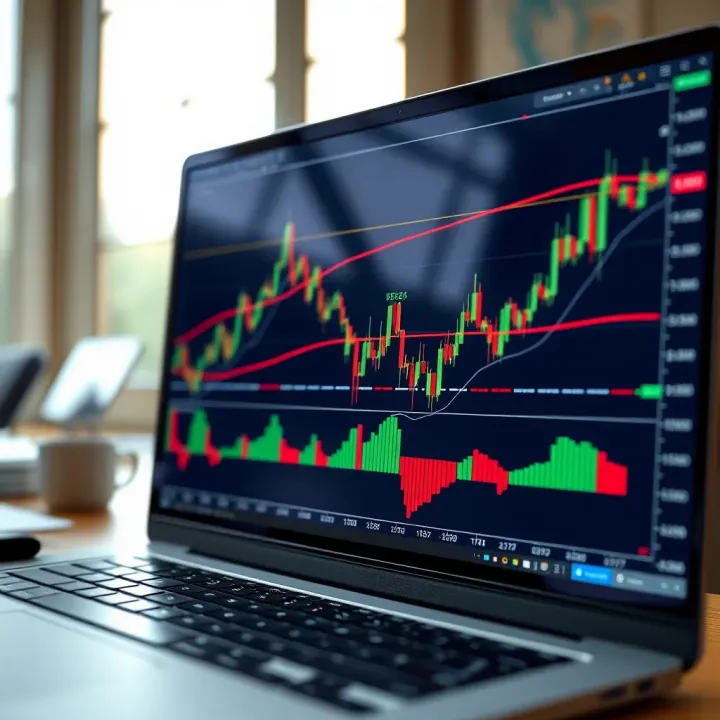
Explore TradingView's features and tools 📊 for traders in Pakistan 🇵🇰. Master charting, technical analysis, social trading & real-time data to boost your strategies.
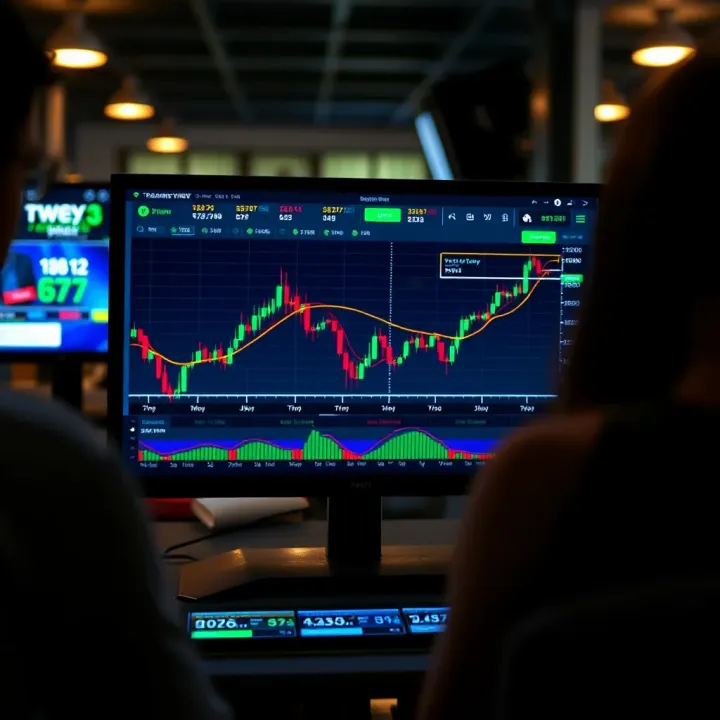
📊 Discover how TradingView.com boosts trading in Pakistan with powerful charts, broker links, social tips, subscription plans, and security advice!
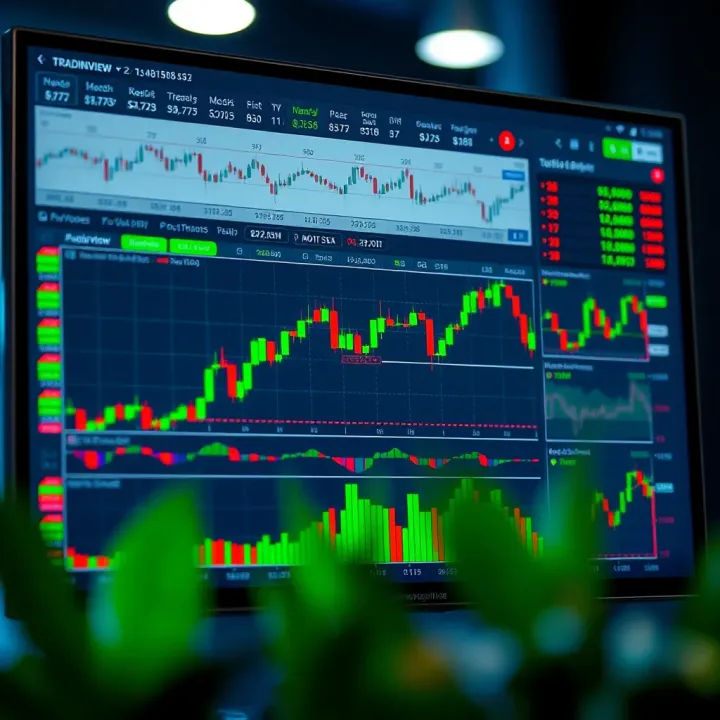
Explore TradingView’s features, tools, and chart customization to boost trading success in Pakistan 📈. Learn how to set up accounts and analyze markets effectively!
Based on 14 reviews